


Alright, let’s cut through the noise for a second. Everyone talks about beefy graphics cards and monster CPUs like they’re the only things that matter in gaming. But you know what most people sleep on? The dang monitor. You could have a PC that NASA would envy, but if your screen sucks, it’s like watching a blockbuster on a postage stamp. A gaming monitor isn’t just a fancy TV—it’s your front-row seat to the action, and honestly, if you care about smooth gameplay or not getting your butt handed to you online, it’s absolutely essential.
So, What Even Is a Gaming Monitor?
Basically, it’s a screen built to handle the chaos of modern games. Your average office monitor is fine for spreadsheets, but good luck trying to play Valorant on that thing without wanting to rip your hair out. Gaming monitor is all about speed—crazy refresh rates, lightning-fast response times, and geeky stuff like G-Sync or FreeSync to make sure your games don’t look like a slideshow. Less lag, no screen tearing, just buttery visuals. Trust me, it matters.
What Should You Even Look For?
Here’s the stuff that actually makes a difference:
- Refresh Rate: This is how many times your screen updates per second. 60Hz is for normies. Real ones go for 120Hz, 144Hz, or even 240Hz if they’re serious. Smoother than a jazz playlist.
- Response Time: Basically, how fast pixels can change. Lower = better. 1ms is chef’s kiss; you’ll actually notice less blur.
- Resolution: 1080p is decent, 1440p is sweet, 4K is “I can see every pore on Geralt’s face.” Just remember, higher res = you need more horsepower.
- Panel Types:
- IPS: Color pops, looks good at weird angles.
- TN: Super fast, kinda meh colors.
- VA: Deep blacks, nice for horror games if you want to freak yourself out.
- Adaptive Sync: G-Sync (for NVIDIA folks) and FreeSync (for AMD lovers) = no ugly screen tearing.
- HDR: Makes your game look less like a cartoon, more like real life.
- Size/Aspect Ratio: Bigger screens and ultrawide monitors? Super immersive, but make sure your desk isn’t from IKEA’s kids section.
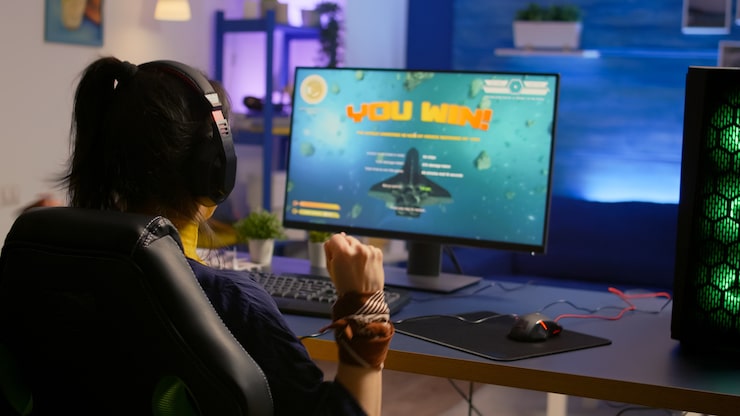
Why Bother?
Here’s What You Get
- Ultra-smooth gameplay—no more blaming lag when you lose (sorry).
- Graphics that’ll make you stop and stare, even if you’re getting owned.
- Real advantage in fast-paced games—split-second reaction time, baby.
- Curved screens or ultrawides? You’ll feel like you’re inside the game (minus the weird smells).
- And hey, a good monitor lasts. You’ll probably upgrade your GPU twice before you swap monitors.
Best Monitors for Every Kind of Gamer
- Casuals: 1080p, 75-120Hz. Cheap, easy, does the job.
- Sweaty try-hards (a.k.a. competitive gamers): 240Hz, 1ms. Go fast or go home.
- Story/RPG fans: 4K or ultrawide with HDR. Get lost in those worlds.
- Console gamers: PS5/Series X support 120Hz? Grab a monitor that does too, and don’t get stuck at 60Hz.
Picking Yours—Don’t Overthink It
- Match it to your rig—don’t get a 4K monitor if your PC is powered by hopes and prayers.
- Figure out what matters most: speed or looks?
- Make sure you’ve got the right ports—HDMI 2.1, DisplayPort, whatever your console/PC needs.
- Adjustable stands are a lifesaver. Trust me, your neck will thank you.
- Don’t blow your life savings. There’s a monitor for every budget.
What’s Next? The Future’s Looking Wild
Tech’s moving fast, man. Mini-LED, OLED, refresh rates that are basically overkill (but who cares, we want them). VR and cloud gaming are shaking things up, and it’s only gonna get weirder—in a good way.
Wrapping Up
So yeah, don’t treat your monitor like an afterthought. It’s literally what you stare at for hours and hours. Get the right one and suddenly your games feel new again. Doesn’t matter if you’re playing casually, grinding ranked, or vibing in some open-world epic—there’s a gaming monitor that’ll fit. Level up your setup, and maybe, just maybe, you’ll stop blaming your losses on “lag.” (No promises, though.)